Agents
Which agent runs a chat and who pays, the three ways to ask, what an agent may touch, and how an agent running anywhere else joins.
Which agent runs a chat, and who pays
A chat runs on Claude Code, Codex, or Sundial Agent. In a local project, Claude Code and Codex run on your Mac on your own plan; Sundial never bills for them, and nothing goes through Sundial: no API key, no credits, no account.
| Agent | Runs where | Who pays | What it sees |
|---|---|---|---|
 Claude Code Claude Code | In a local project, on your Mac | Your Anthropic plan | The project folder |
 Codex Codex | In a local project, on your Mac | Your OpenAI plan | The project folder |
 Sundial Agent Sundial Agent | On Sundial's servers, with a sandbox of its own | Sundial credits, or your own provider key under Settings → API keys | The files it works on |
 Ollama Agent (desktop) Ollama Agent (desktop) | On this computer, on a model Ollama serves. Nothing leaves it. | Nothing | The project folder |
 Tinker Agent (desktop) Tinker Agent (desktop) | On this computer, calling your fine-tuned checkpoints on Thinking Machines' endpoint | Your Tinker key | The project folder |
In a cloud workspace the same Claude Code and Codex tabs run on Sundial's servers, on the Claude or ChatGPT subscription you connect under Settings → API keys, or on Sundial credits.
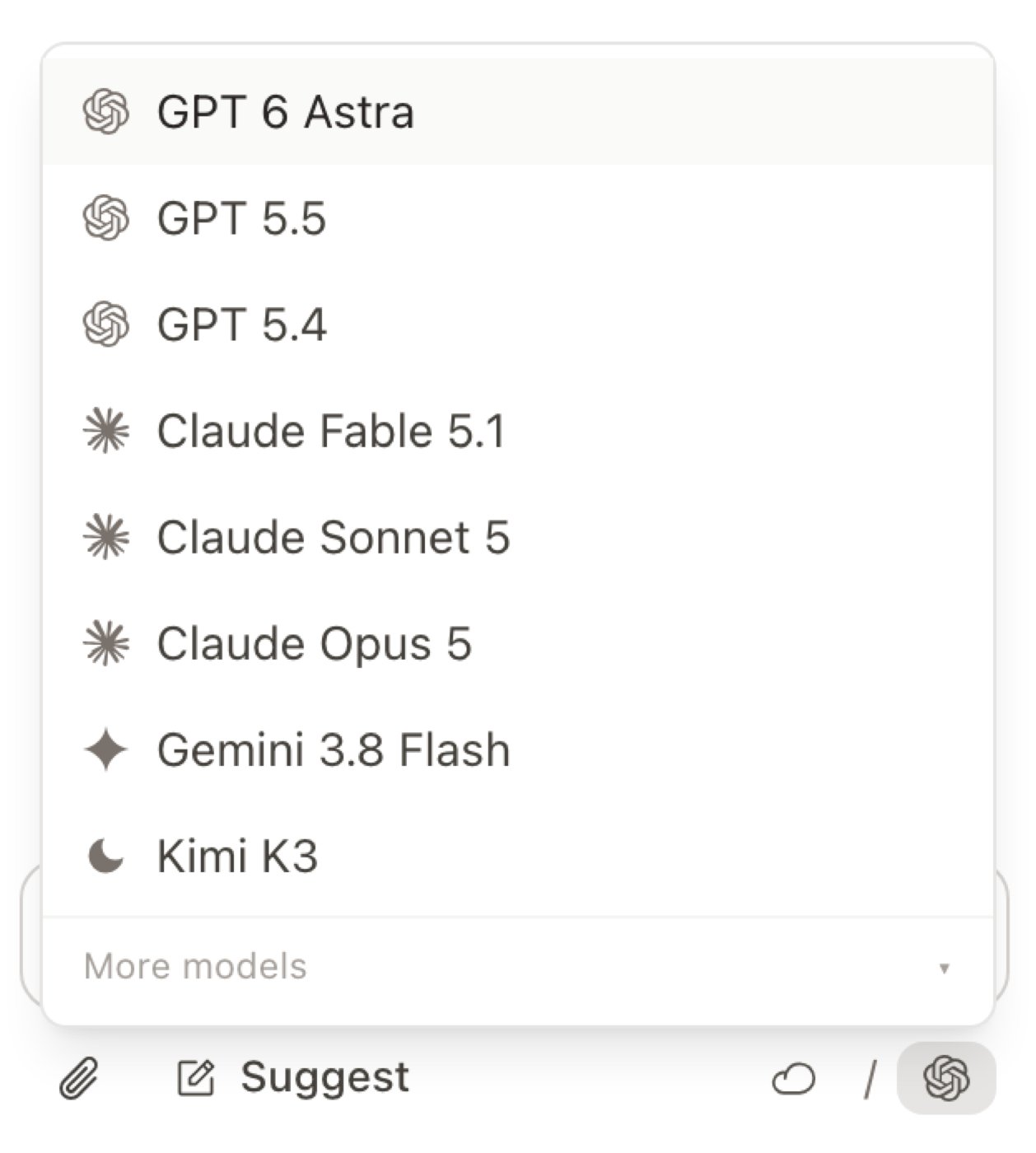
If Claude Code or Codex is installed, it is the default. The composer shows which one a chat runs on; pick one in the model menu. In a local project a chat keeps its agent once it has messages; to switch, start a new chat. A new chat starts on the last model you picked. Sundial Agent can switch models mid-chat from the catalog; Claude Code and Codex run only their own provider's models.
Claude Code and Codex sessions already on your Mac can be imported as chats and resumed in the editor.
One agent, three names
The hosted agent is Sundial Agent. The app also calls it Sunny, and in a comment it answers to @Agent (also @Sunny, @Claude, @Codex). Sunny Support, in the sidebar, is a separate support chat with the Sundial team.
Ask from a chat, a comment, or the page
 A chat.
 Cmd+Shift+J opens one. To point the agent at a passage, select it and press Cmd+J. The selection is added to the chat as context, so you can say "make this shorter" without pasting anything. Attach a whole file with the paperclip, or drag it in.
 A comment. Select text and press
 Cmd+Alt+M, or use the comment button in the bubble menu. The thread is anchored to that selection and stays attached as the text moves. Start a comment with @Agent and the agent replies in the thread. Its fix arrives as a suggestion on exactly that selection, so a review pass can be a set of margin notes:
The Delegate button on any thread does the same for a comment that was written without the mention. A chat can watch a document (chat menu → Watch comments); from then on every new thread on it goes to that chat, no mention needed.
 The page. Type
 /ai, or select text and press Cmd+G. Inline AI runs on Sundial's servers; Write and review says what it keeps.
What an agent may touch
Agents read, write, and search the project's files, reply to comments, add checkpoints, and look through history. Suggest makes every write a tracked change, Edit applies it directly, View removes the write tools; the modes are on Write and review. On your Mac, Claude Code and Codex can also run commands in the project folder without asking each time; View mode removes that (Privacy and security). Sundial Agent also has a shell in its sandbox, so it can install packages, run scripts, and compile LaTeX without touching your machine.
Instructions to the agent live in the root AGENTS.md; Settings → Workspace edits that file. Skills live under skills/<id>/SKILL.md.
Templates, skills and assistants
A module is a folder of files plus a short manifest: a venue template, a check that runs on every edit, or a skill the agent follows. Add one from the gallery at /modules or the Modules section of the sidebar; every file it adds is yours. What adding one does, and a first walkthrough, are on Modules.
An agent running anywhere else can join
A Claude Code, Codex or Cursor joins with the same link a person gets: in the Share window, Add people or agents → New agent… copies it with a line the agent follows (sundial.md/start). The first time, it asks you to let it in: open the page it gives you and click Allow. From then on it is your agent on that computer, for good: every later session joins with its saved key, it opens what you added it to, never more than you can, and its edits show as your agent's. It is listed in the Share window as "my agent", where you can change its role or remove it; Settings → My agents removes it everywhere. An agent handed a link that is open to anyone can also just join with it.
The Claude and ChatGPT chat apps sign in on your account instead of using a link: the Share window's Advanced → Claude or ChatGPT chat opens Settings → Advanced → MCP connections (beta), which prints the exact command:
claude mcp add --transport http sundial "https://www.sundial.md/mcp?workspace=<id>" && claude mcp login sundial
codex mcp add sundial --url "https://www.sundial.md/mcp?workspace=<id>" && codex mcp login sundial
The login step authenticates through the browser once. The rules an outside agent follows are on Start here.